
Sandbox Accounts – Set Up A Route4Me Sandbox Account For Testing And Simulation
Route4Me Sandbox Accounts provide a safe test environment where you can use the software without risking live operations. You can set up a fully functional duplicate of your company account to simulate real business scenarios with your own data, test advanced routing constraints, onboard new team members, and much more. Sandbox Accounts help you validate operations changes and make sure they work exactly as expected before rollout to your live environment.
To set up a Sandbox Account with all the same features as your primary Account Subscription, please contact Route4Me Support.
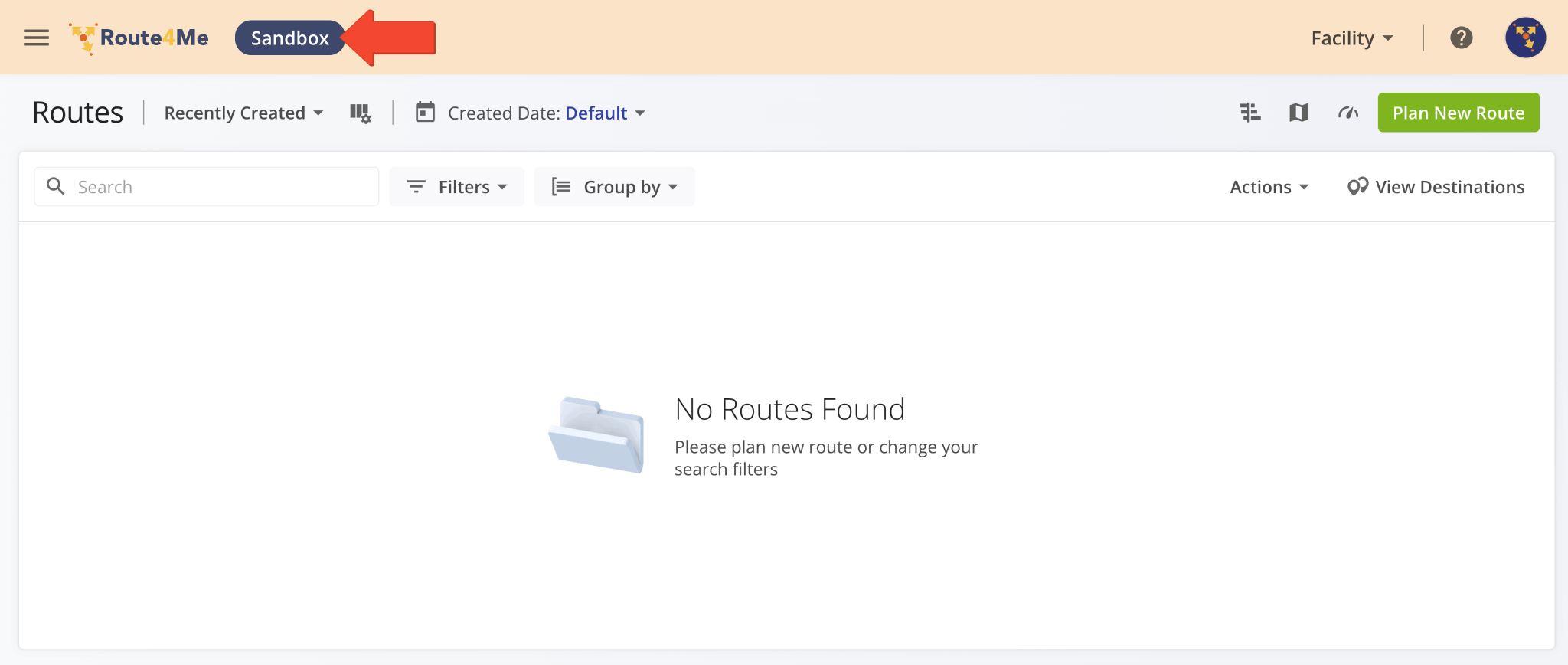
Once you sign in to your Sandbox Account, you’ll see the “Sandbox” badge in the Route4Me Web Software header. The header also uses a different color to help you distinguish accounts in your live environment from sandbox testing accounts.
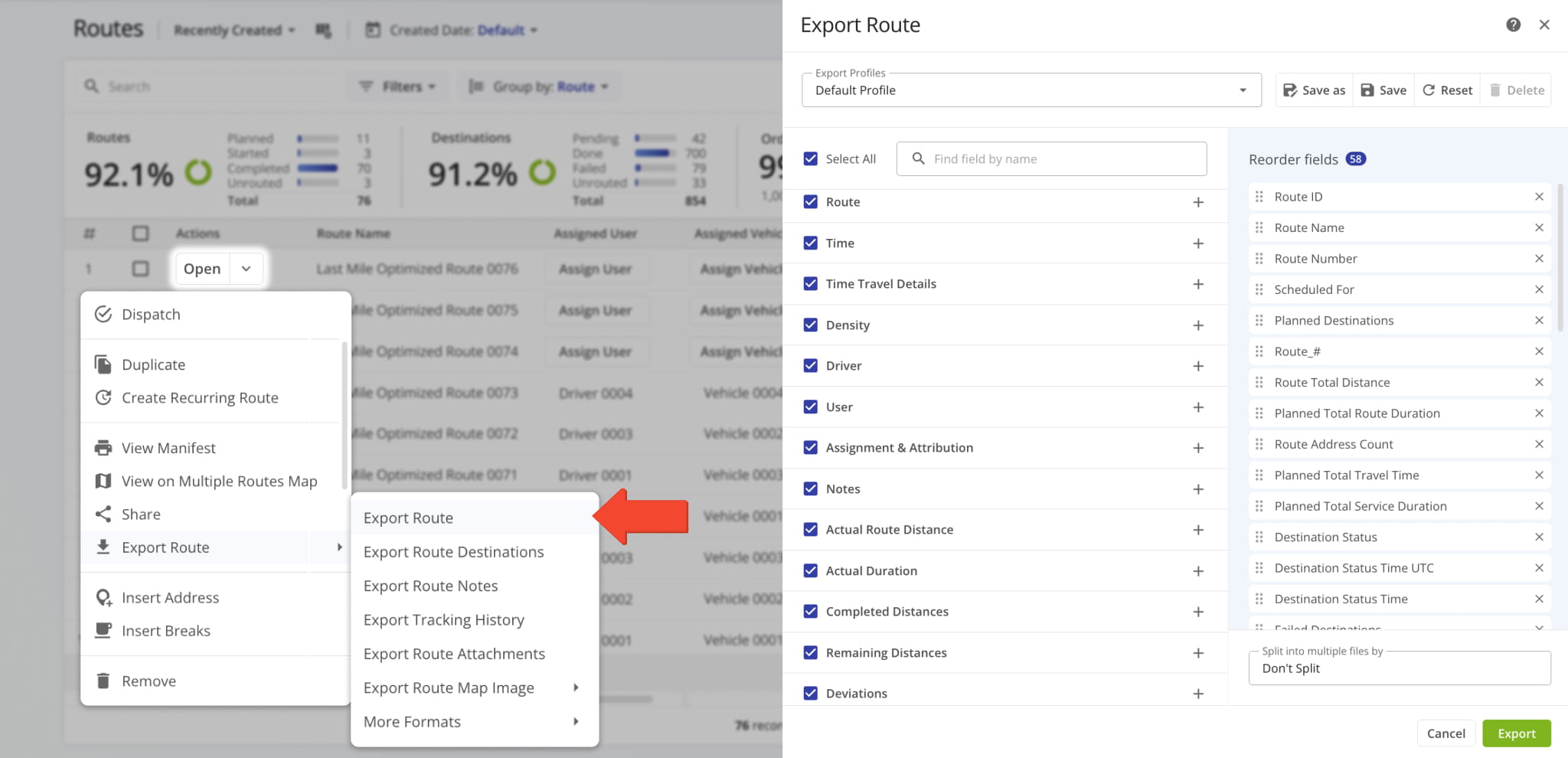
You can also export data and other information from your main account and import it on your Sandbox Account.
Exporting routes, orders, locations, and other data from your primary account is a quick way to get data for testing tools and features right away, without manually formatting last mile data.
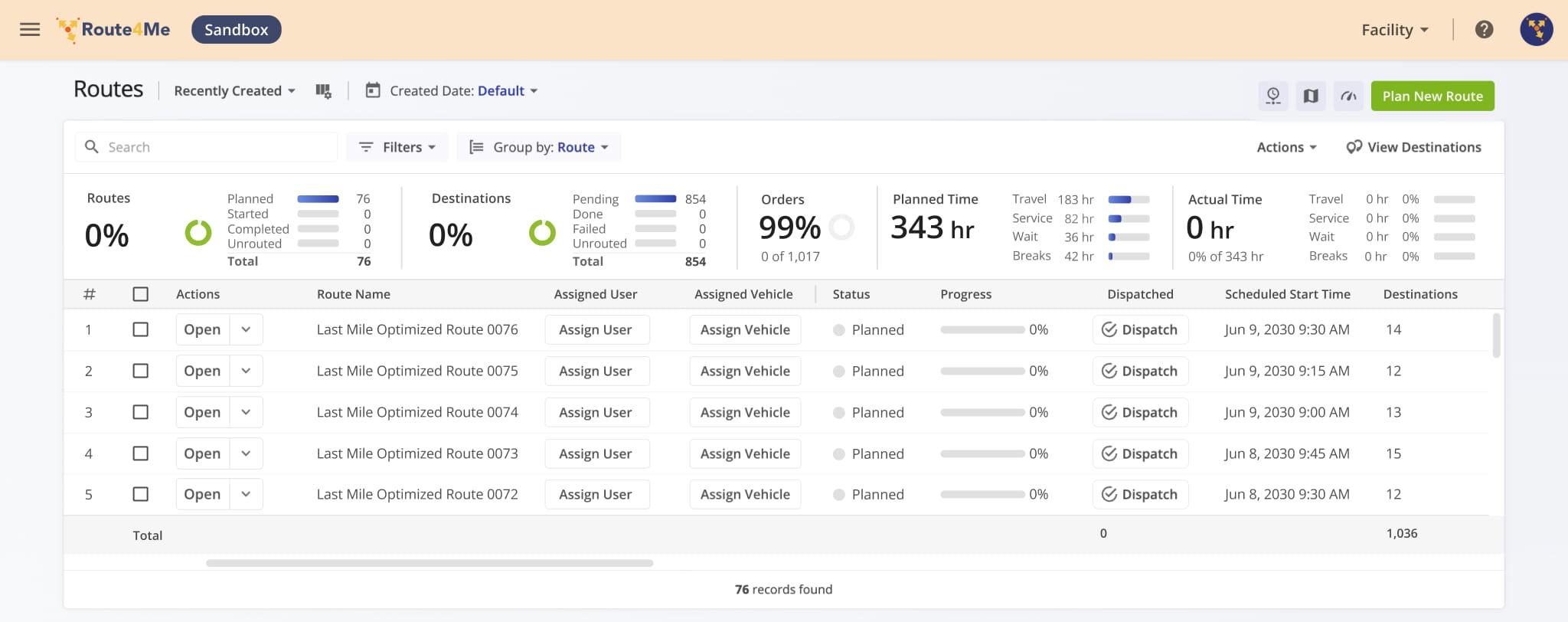
Then, you can follow the usual process for planning routes from spreadsheets, uploading orders, etc. to populate your Sandbox Account without making any changes to live operations.
Visit Route4Me's Marketplace to Check out Add-Ons for Your Account:
- Operations
Custom Data Add-On
- Operations
Advanced Team Management Add-On
- Operations
Audit Logging and Activity Stream
About author: Kristian Andreev

